These instructions are for loading or changing the printer paper roll in ABC-2500 and ABC-3500 model machines equipped with the kiosk style printer shown below:
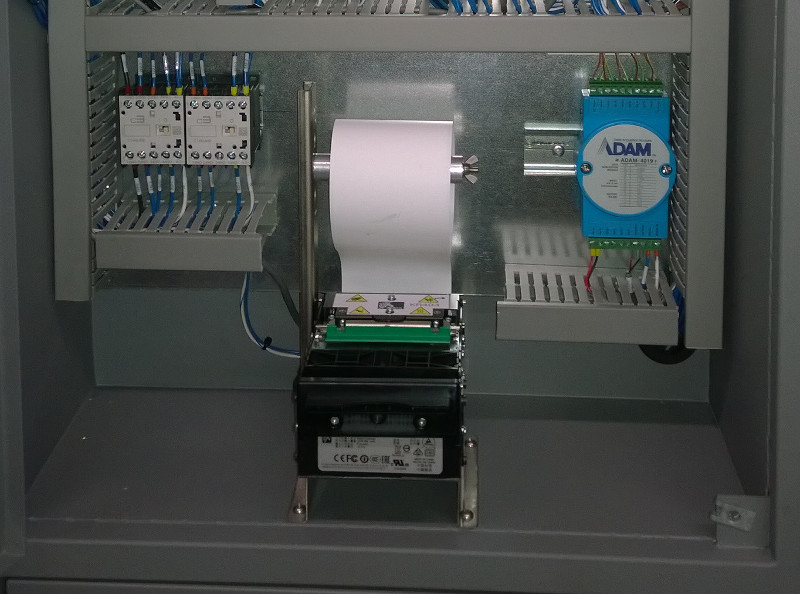
- Open Operator Interface Panel to gain access to the printer.
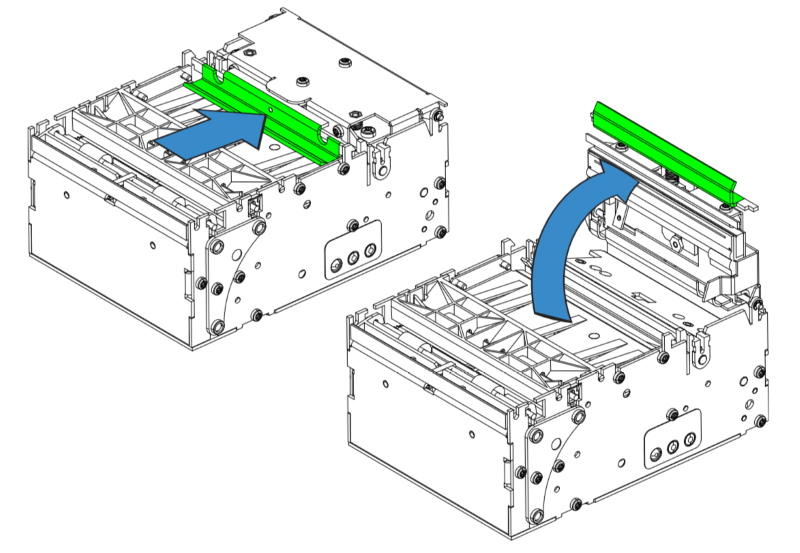
- Press the green bar to unlock the printhead.
- Rotate printhead upwards.
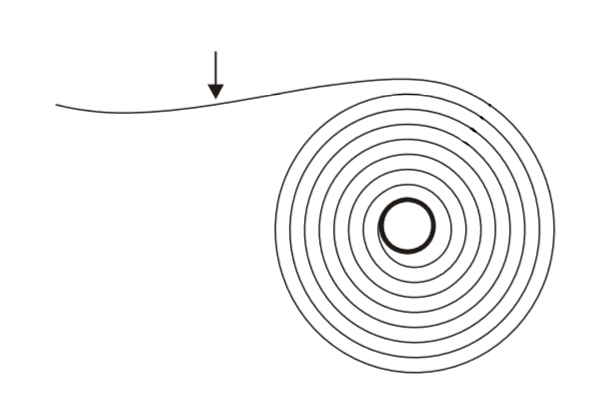
- Check new paper roll to make sure the thermal sensitive coating is to the outside.
- Slide Paper in from the rear or the printer until the front edge is past the drive roll and paper cutter.
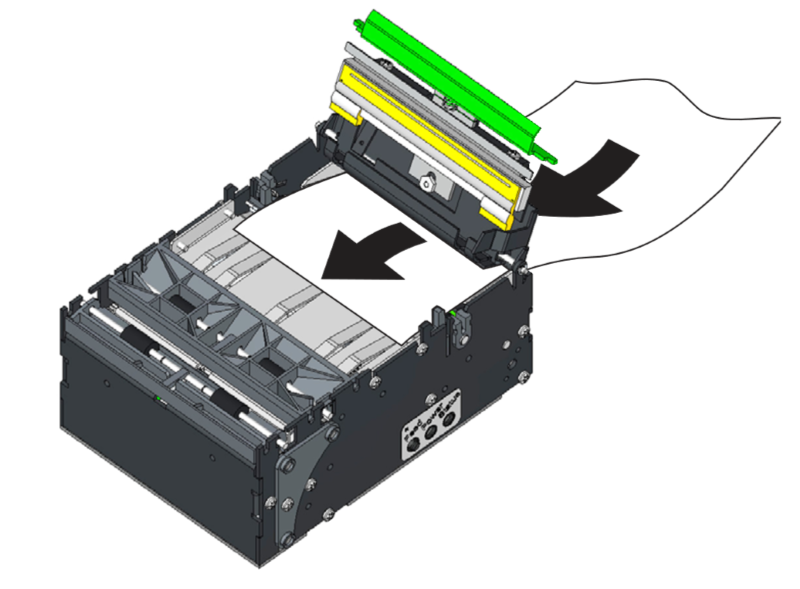
- Press Feed Button on the side of the printer. The printer should them feed and cut 70mm of paper. This can be discarded.
- The paper is now loaded and the printer is ready for use.
- Close the Operator Interface Panel.
- Run a short test cleaning cycle and the printer should produce a printout once the cycle is complete.